 Omarchy Pocket
Install · Anbernic RG DS Plus
Anbernic RG DS Plus
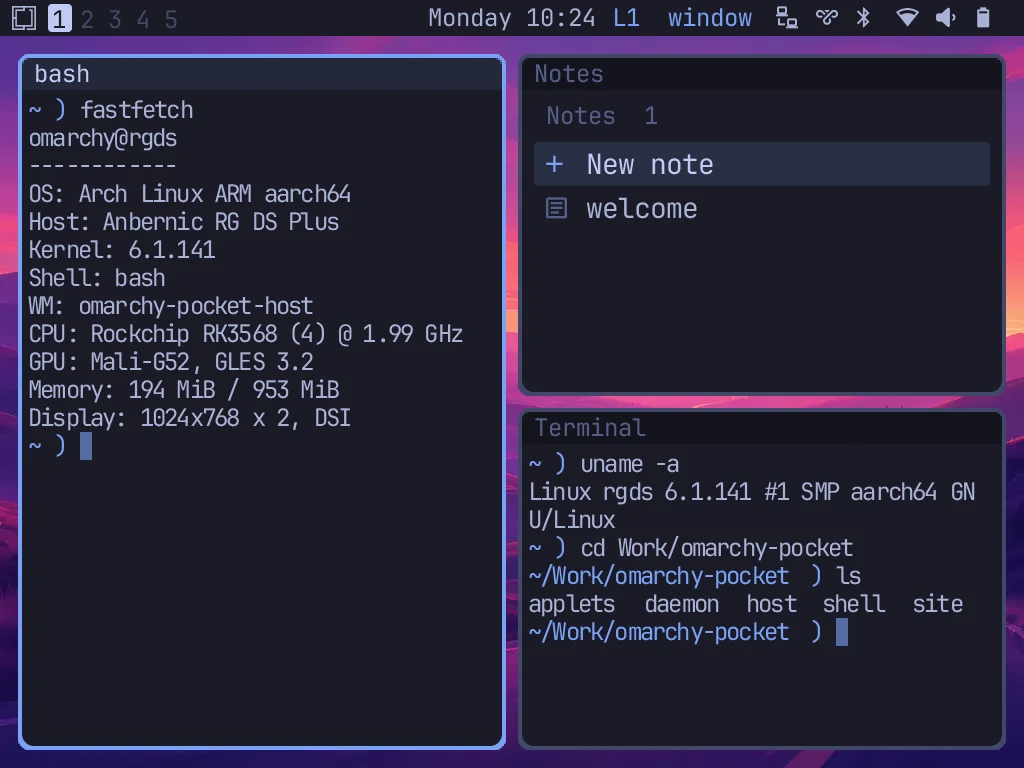
Omarchy Pocket as the SD card's system. The stock Anbernic system stays on the card as the rescue boot.
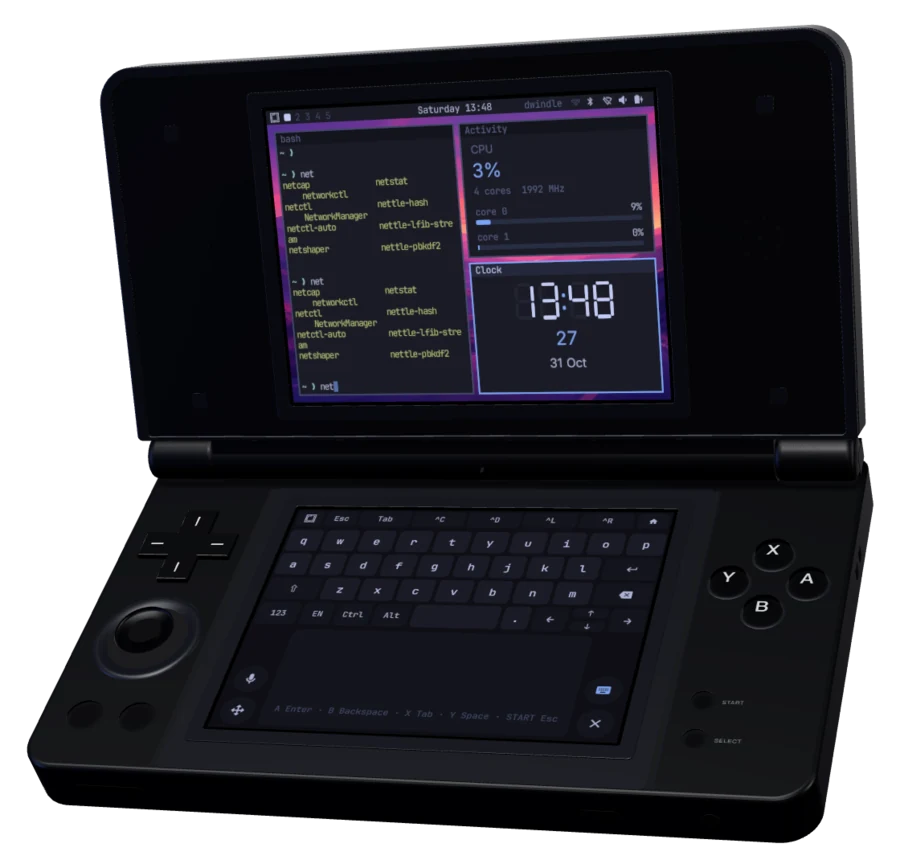
- Install
- From source, over SSH from a computer
- Runs on
- The RG DS Plus on Anbernic's stock firmware, with its 16 GB card
- Needs
- A Mac with Apple silicon and OrbStack, Bun 1.4.2, Rust with cargo-zigbuild, and access to this repository's submodules
- Time
- About an hour, most of it building the image
Build
- Get the repository and its submodules:
git clone https://github.com/pocket-nexus/omarchy-pocket && cd omarchy-pocket git submodule update --init vendor/pocketjs vendor/applets vendor/pocket-term vendor/pocket-hub git -C vendor/pocket-hub submodule update --init vendor/pocketjs bun install --cwd vendor/pocketjs --frozen-lockfile POCKETJS_ROOT=vendor/pocketjs bun vendor/applets/tools/setup.ts - Take Omarchy's menu, theme, wallpaper and fonts, and copy the GPU library from the device:
bun tools/omarchy-assets.ts bun tools/build.ts libs root@<rg-ds-plus> - Build the programs, then the system image (an arm64 container in OrbStack, about 2.5 GB):
bun tools/build.ts all
bun image/build-root.ts
Install
- Reach the device over SSH: on Wi‑Fi as
root/root, or over the USB link (docs/usb-link.md). - Back up the whole card with
ddof/dev/mmcblk1, compressed, with its SHA-256 beside it.image/install.tsnames the backup it checks for inBACKUP. - Run the steps:
bun image/install.ts check partition extract configure chooser reboot --ssh "ssh root@<rg-ds-plus>"partitionmakes one partition for Omarchy Pocket after the stock root,extractunpacks the image,configurekeeps the device's SSH keys, Wi‑Fi networks, firmware and modules, andchoosermakes the stock root boot into it. - After the reboot, unlock with the password
omarchy.
Controls
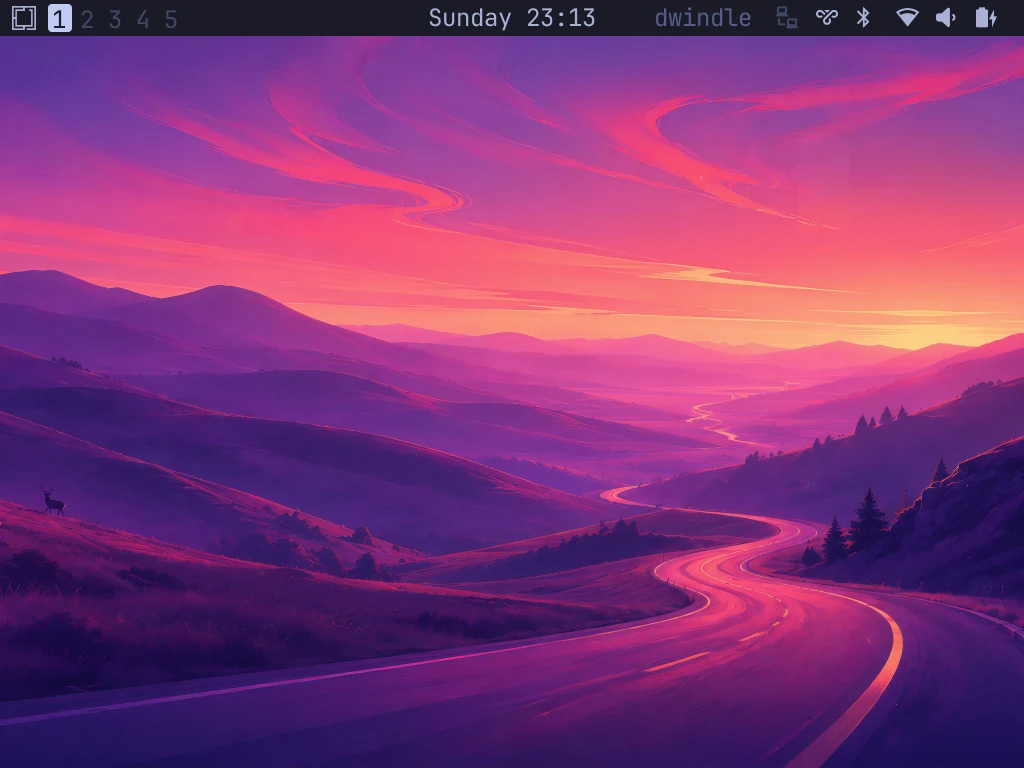
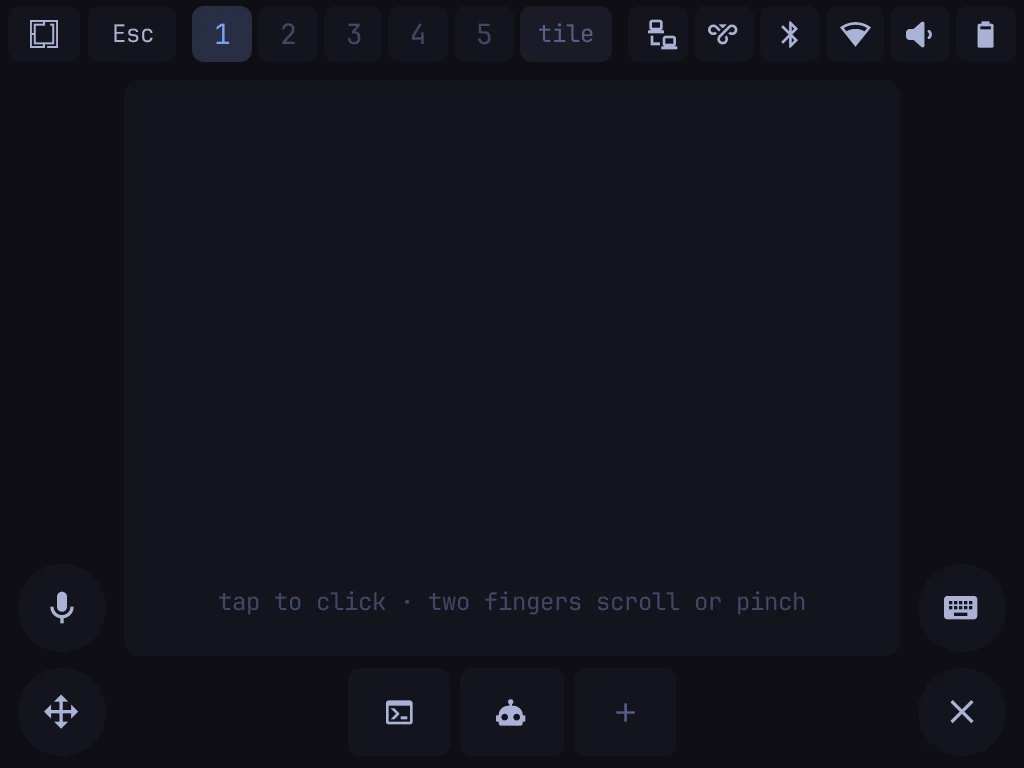
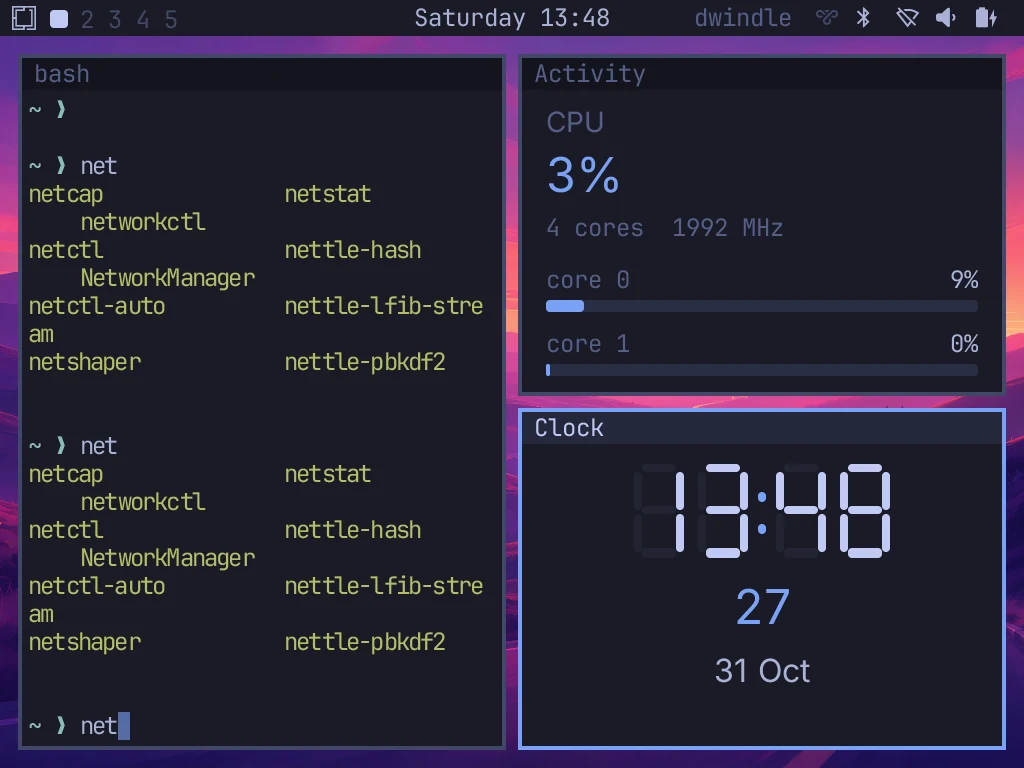
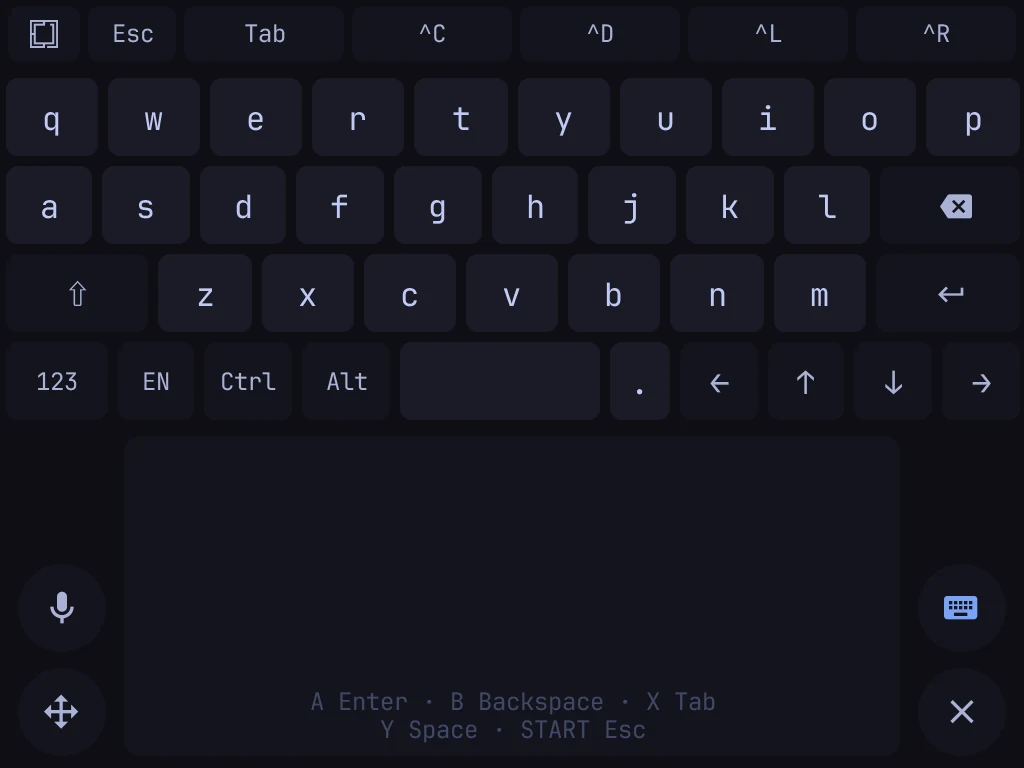
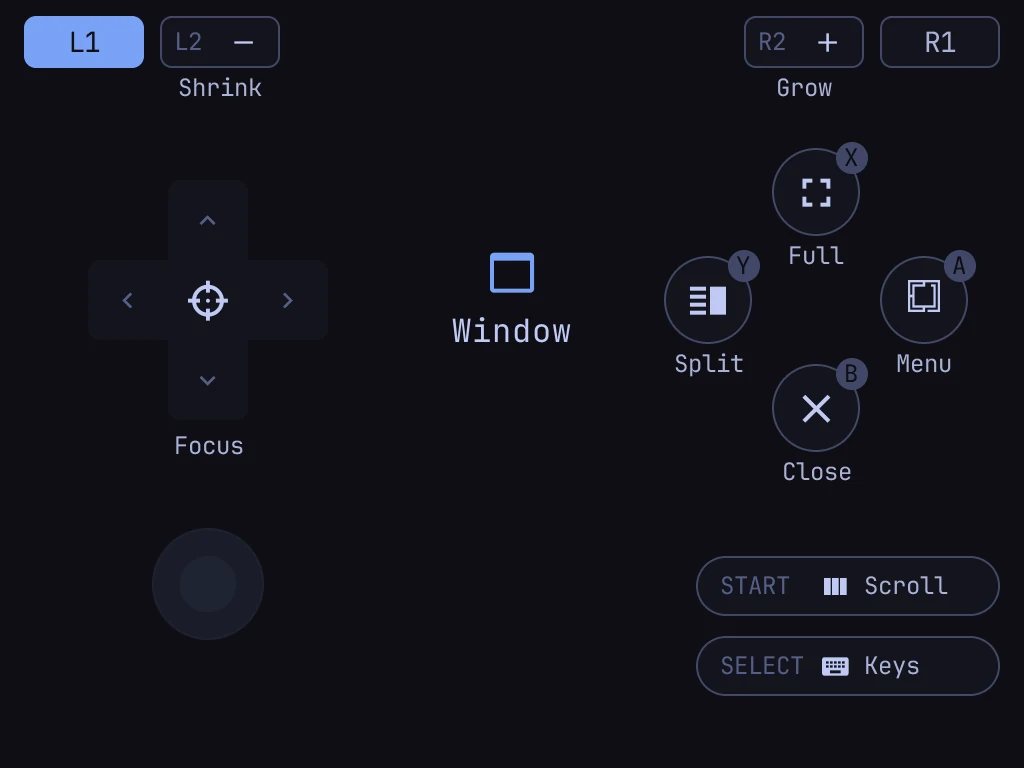
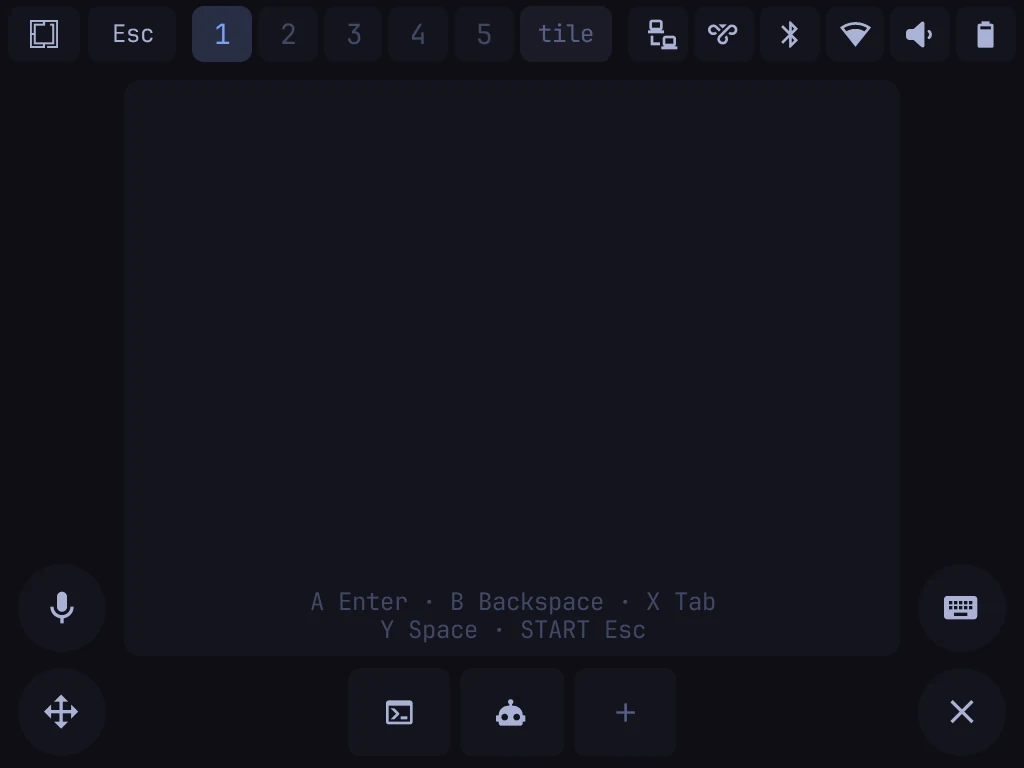
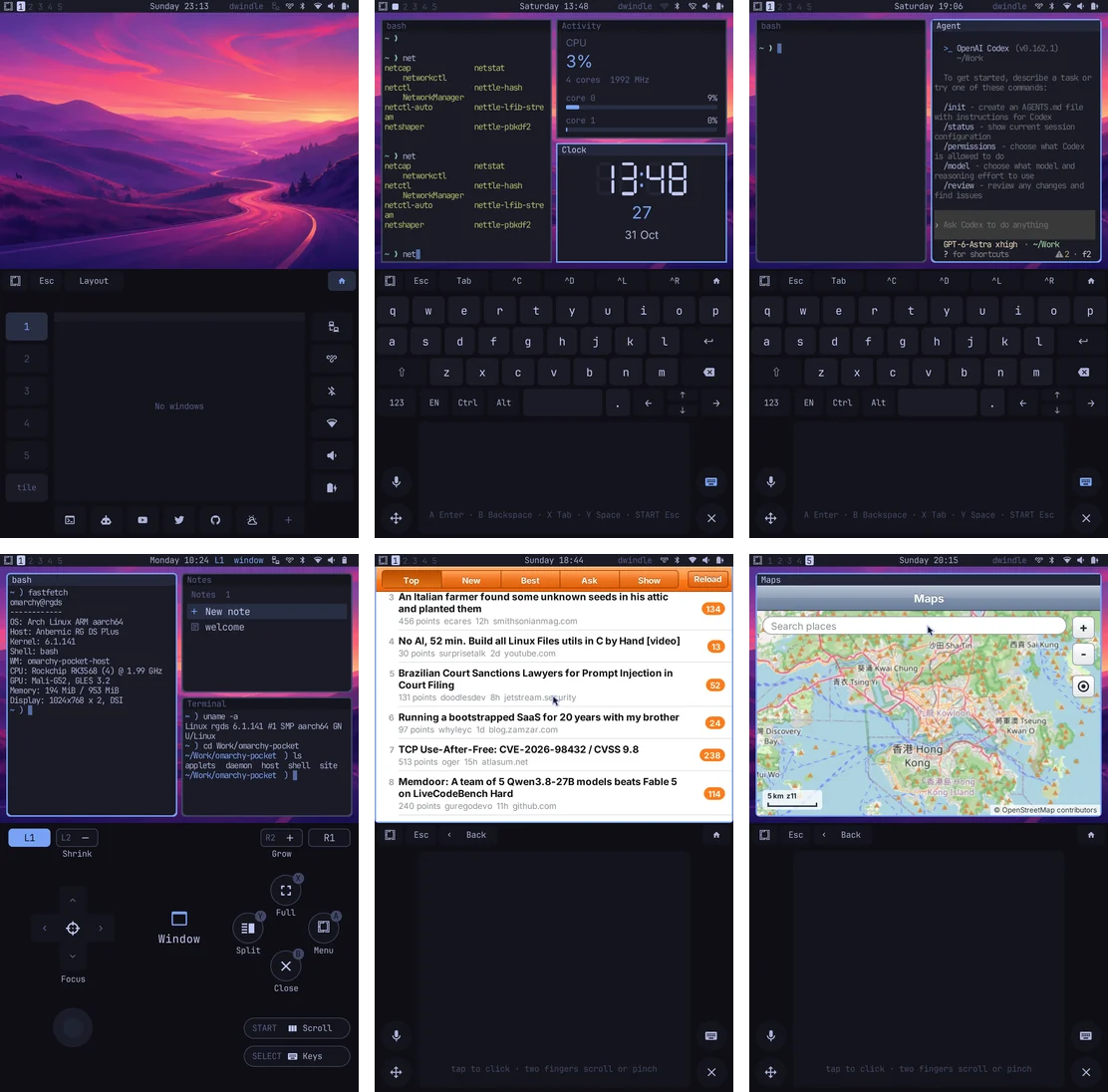
The shoulders are SUPER: hold L1 for the window layer, R1 for the move layer, both for workspaces, and the lower screen draws what each button does. With no shoulder held, the D-pad is the arrows, A Enter, B Backspace, X Tab, Y Space, START Escape, and L2 / R2 step workspaces.
Back to the stock system
The stock root boots first and pivots into Omarchy Pocket. Its rescue boot brings up SSH, Wi‑Fi and the USB link without the launcher. To go back to Anbernic's system entirely, write the card's backup back with dd.