 Omarchy Pocket
Install · Retroid Pocket Duo Lite
Retroid Pocket Duo Lite
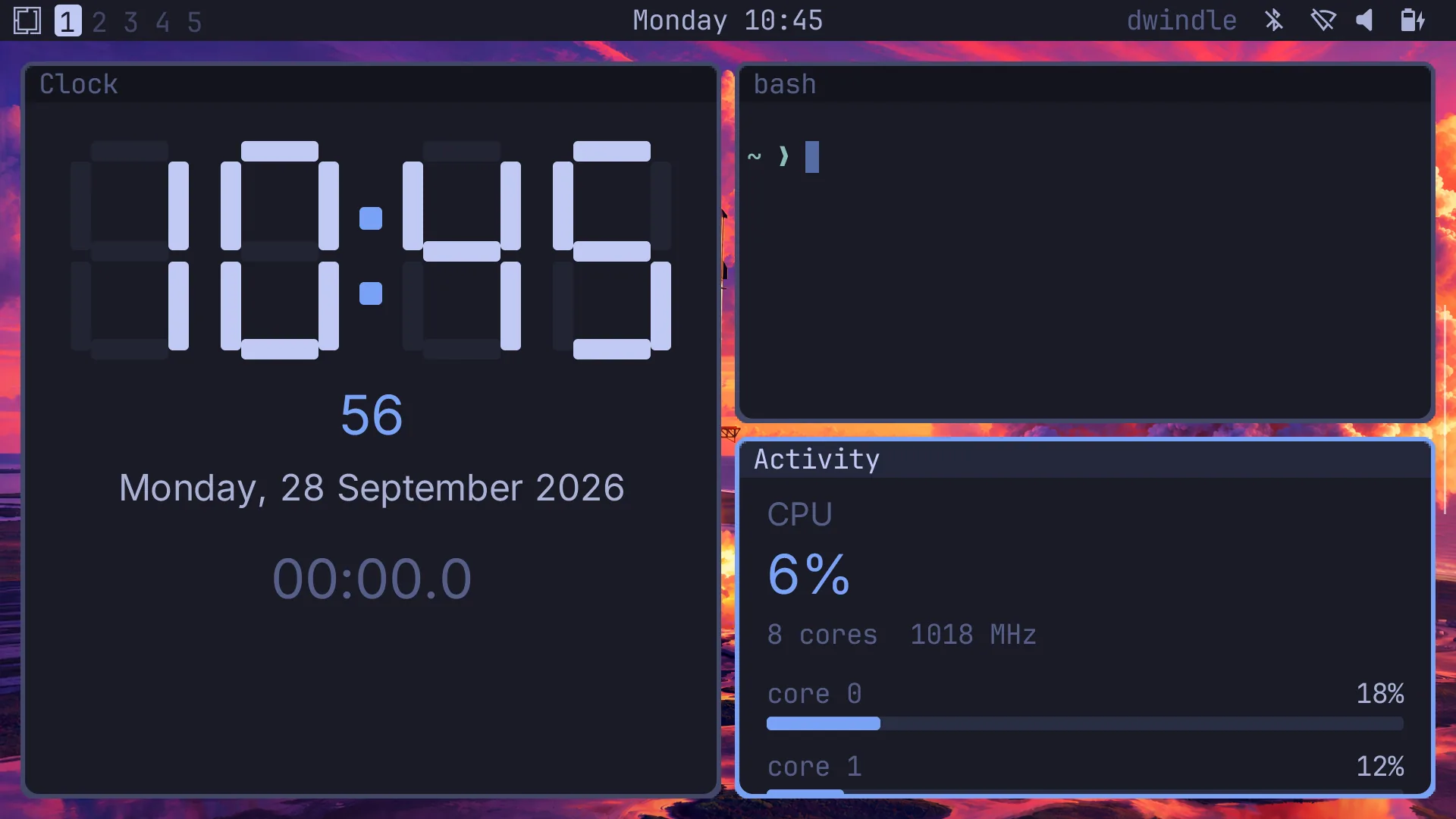
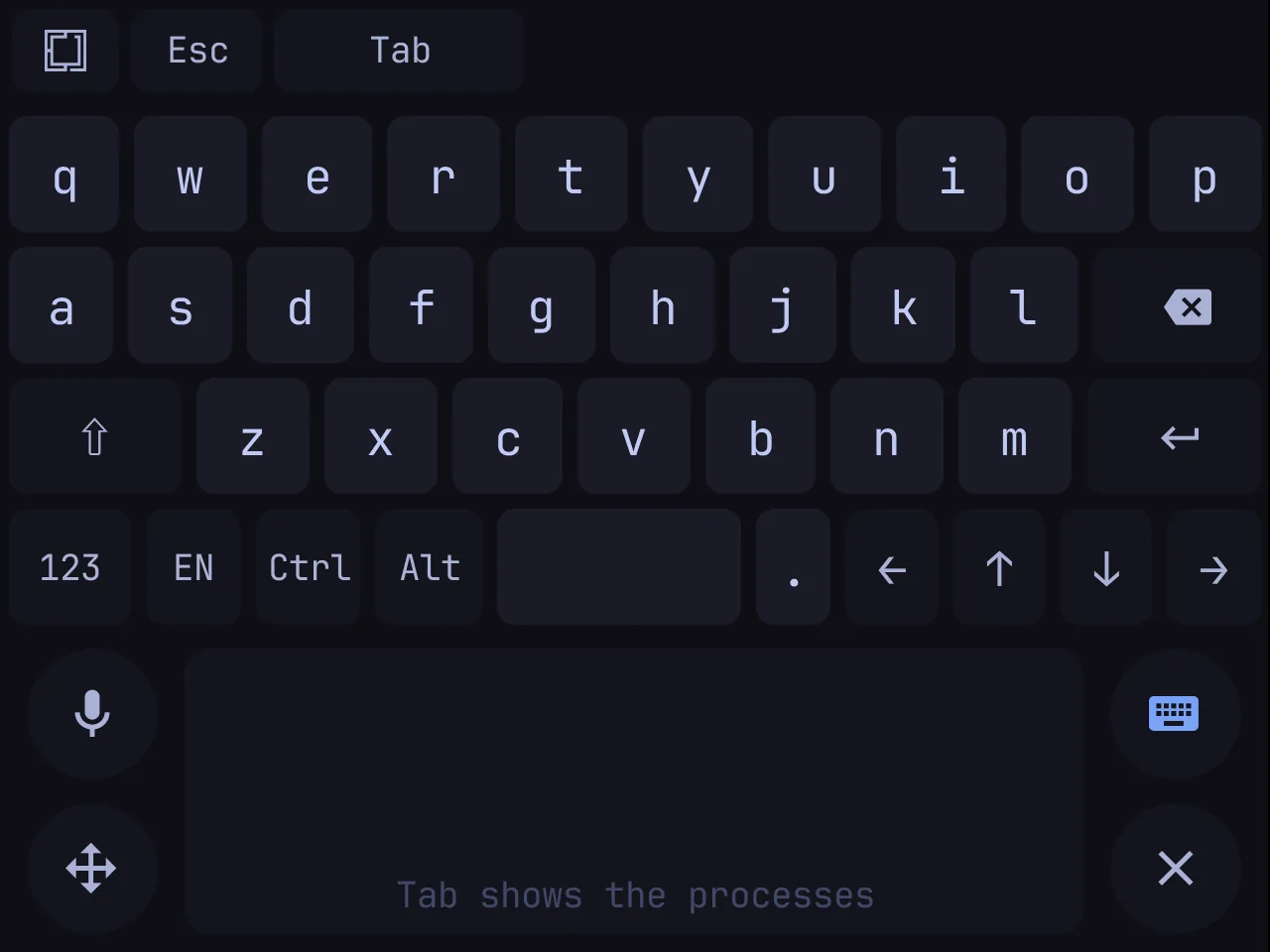
The AYN Thor's Android app, laid out for the Duo Lite: the 5.5″ upper screen is the monitor, the 4.2″ touch screen the keyboard and trackpad, the Retroid Pocket Controller the gamepad. Nothing rooted, nothing replaced.
- Release
- v0.2.1:
omarchy-pocket-0.2.1.apkandomarchy-pocket-root.tar.zst - Runs on
- The Retroid Pocket Duo Lite on Retroid's Android 15 firmware
- Space
- 3.5 GB free: the 802 MB root, unpacked into the app's own files
- Time
- About 10 minutes
Install
- On the Duo Lite, open the release in the browser and download
omarchy-pocket-0.2.1.apkandomarchy-pocket-root.tar.zst. - Open the APK and install it. Android asks once to let the browser or the file manager install apps.
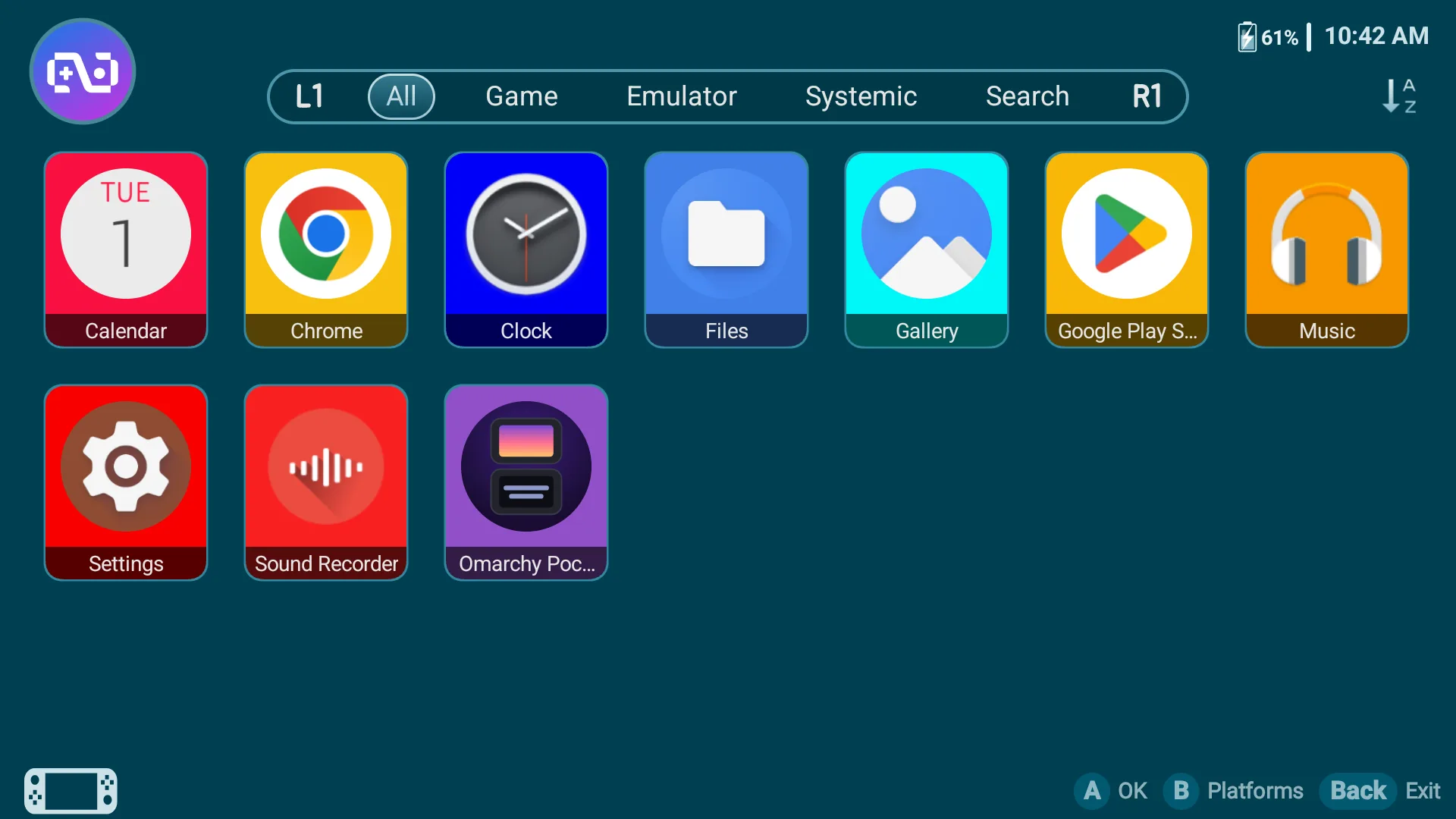
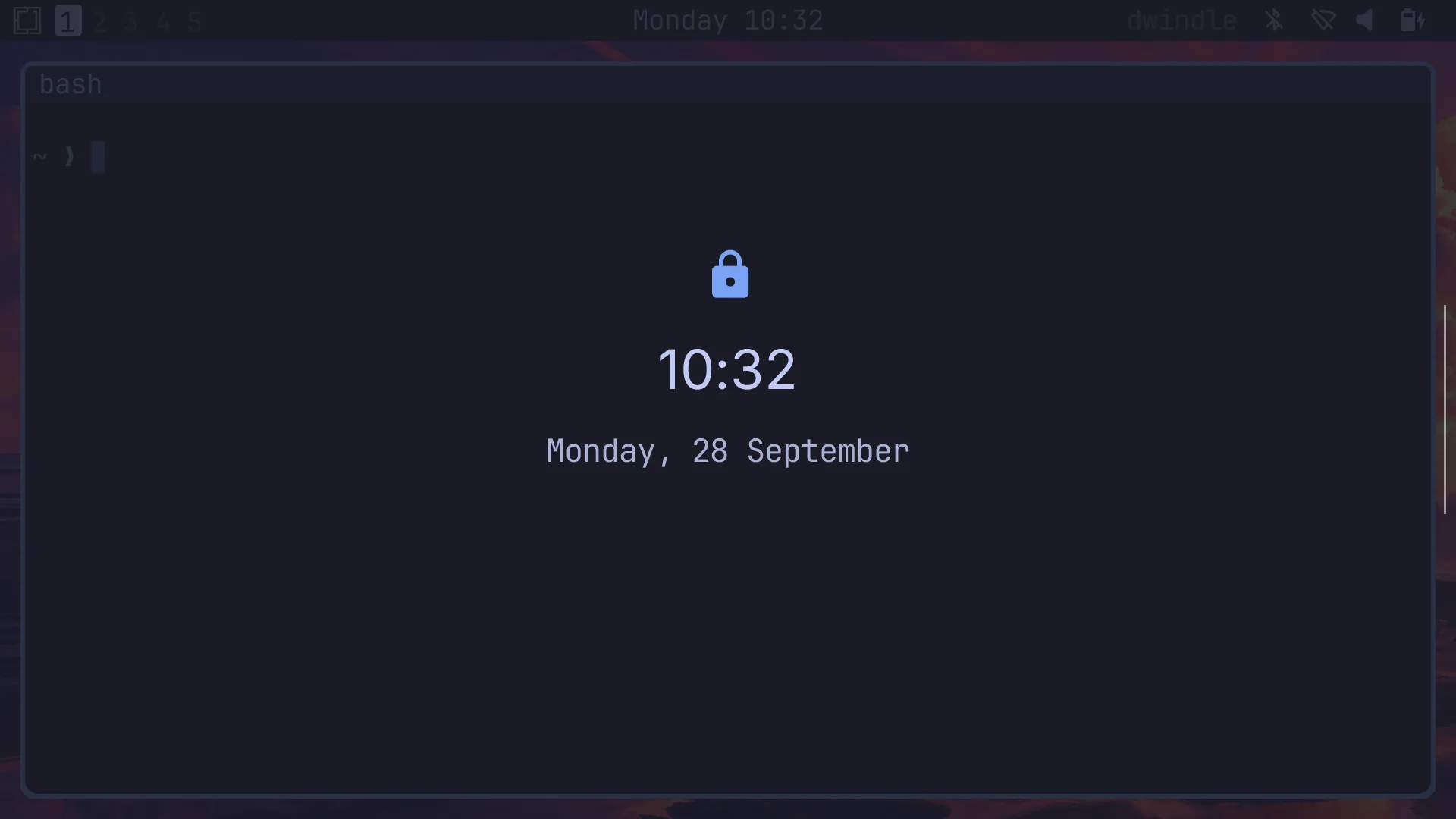
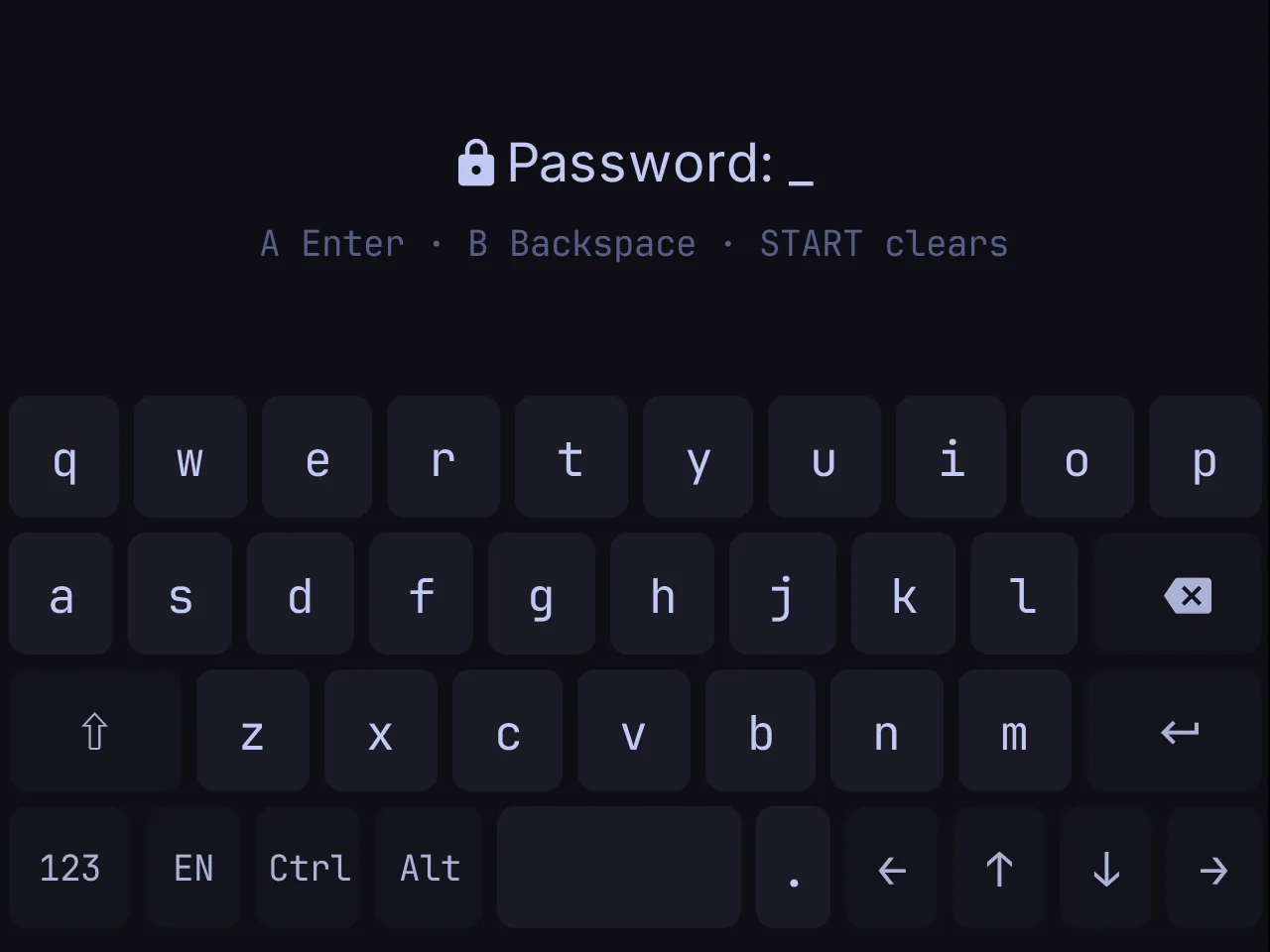
- Open Omarchy Pocket, from Retroid's launcher or Android's. With no Linux root yet, the upper screen says so. Press START, and pick
omarchy-pocket-root.tar.zstin the file picker. The app copies it and unpacks the root, which takes about a minute. - Unlock with the password
omarchy.
Controls
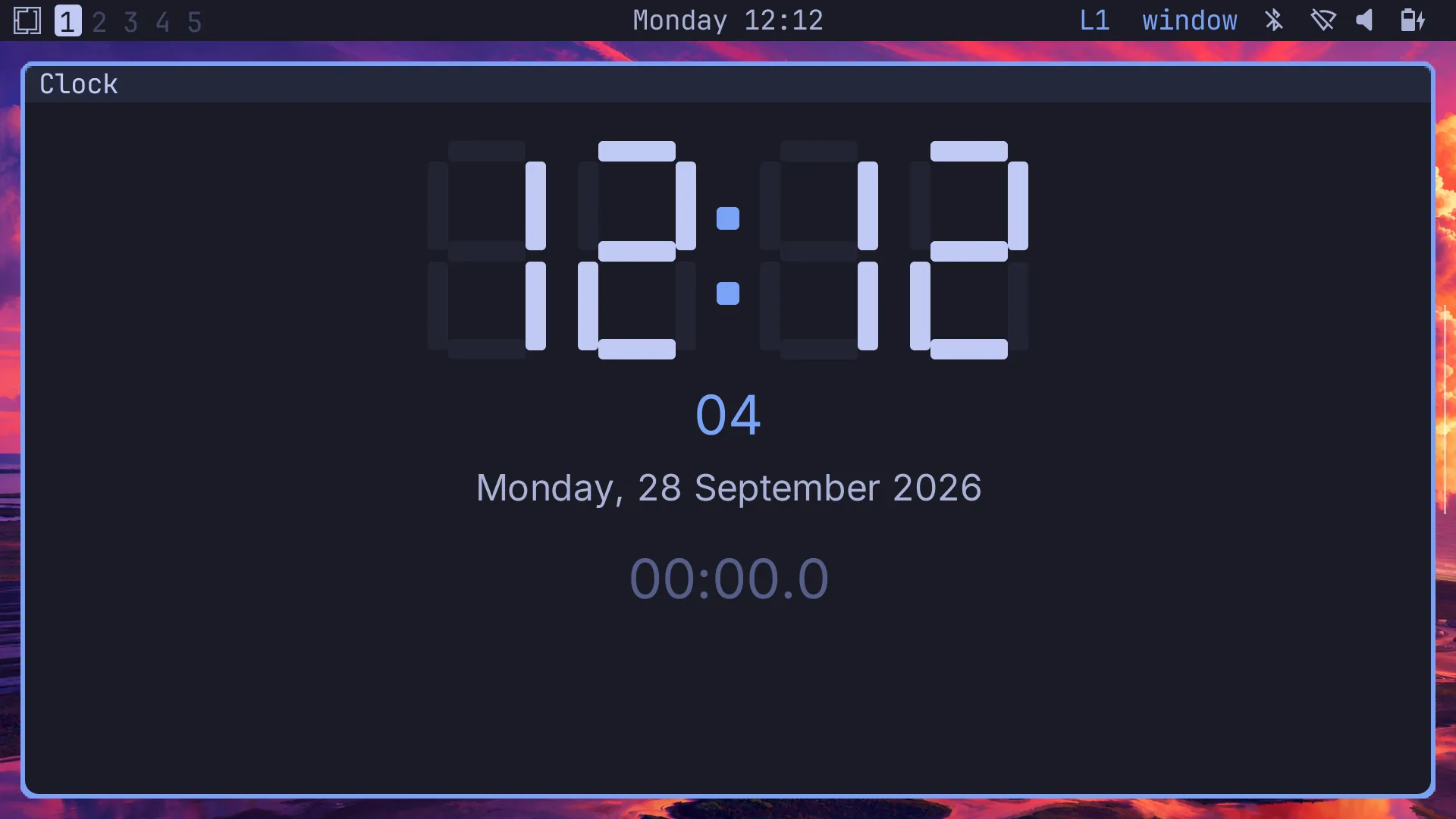
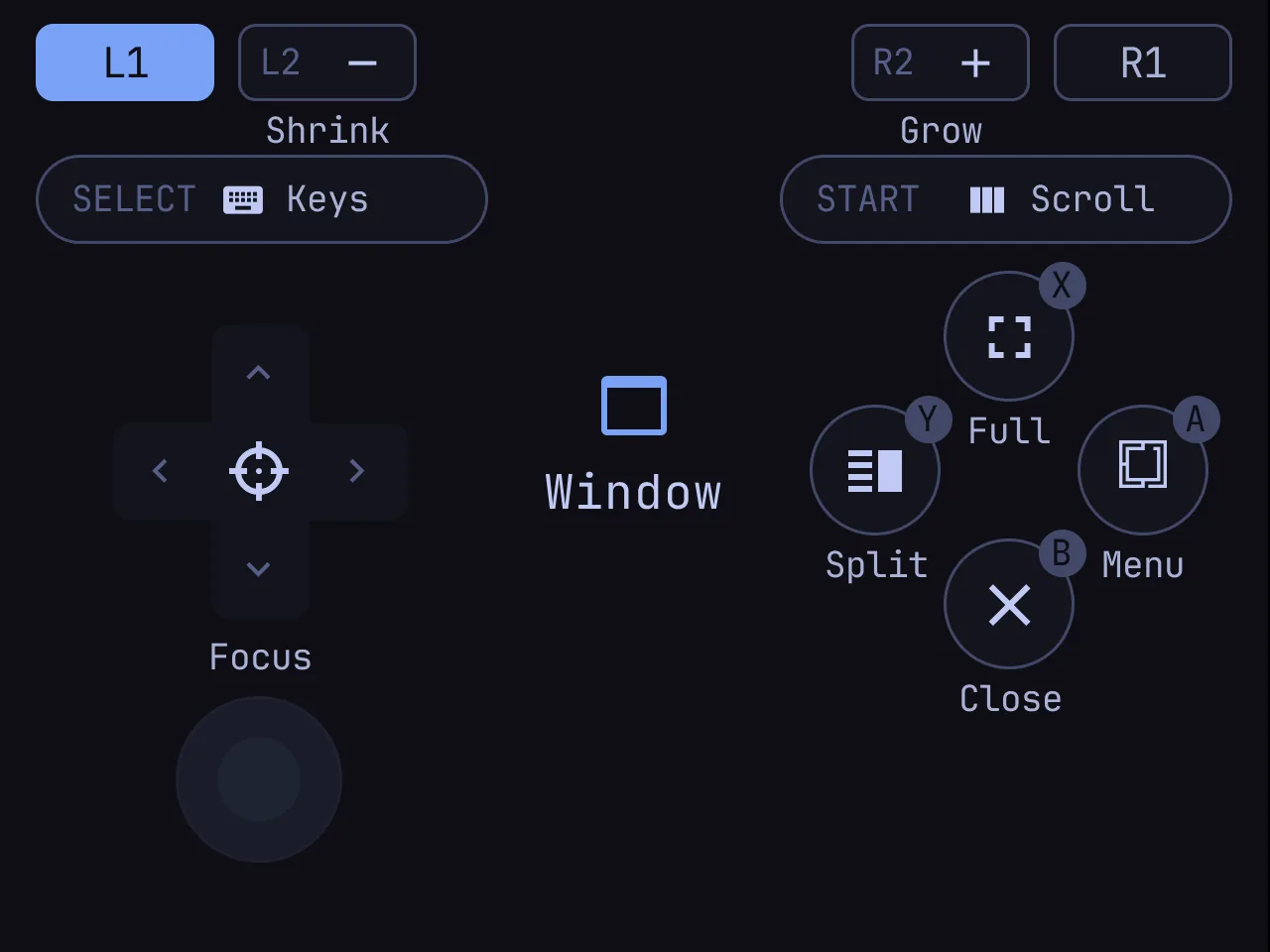
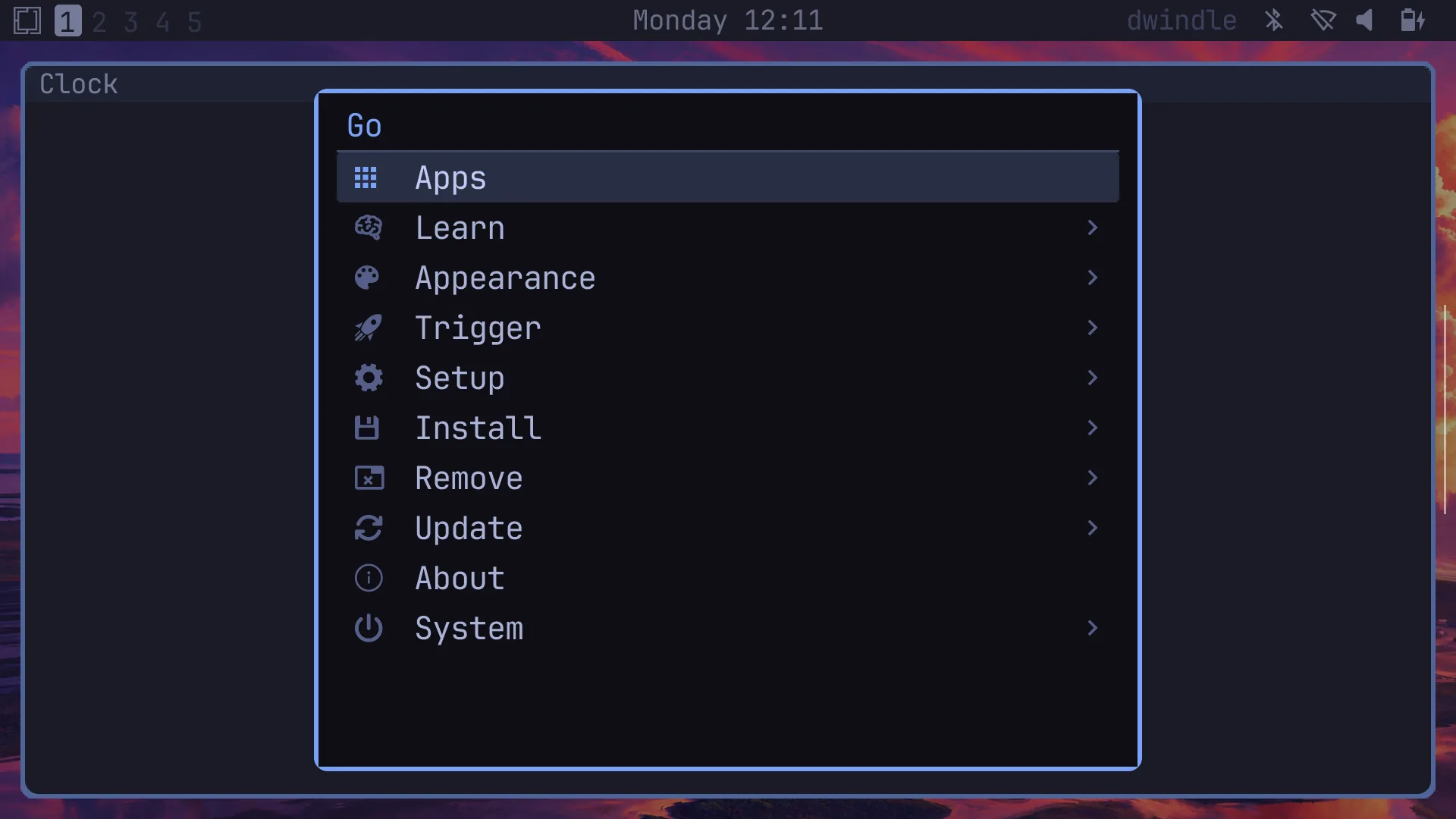
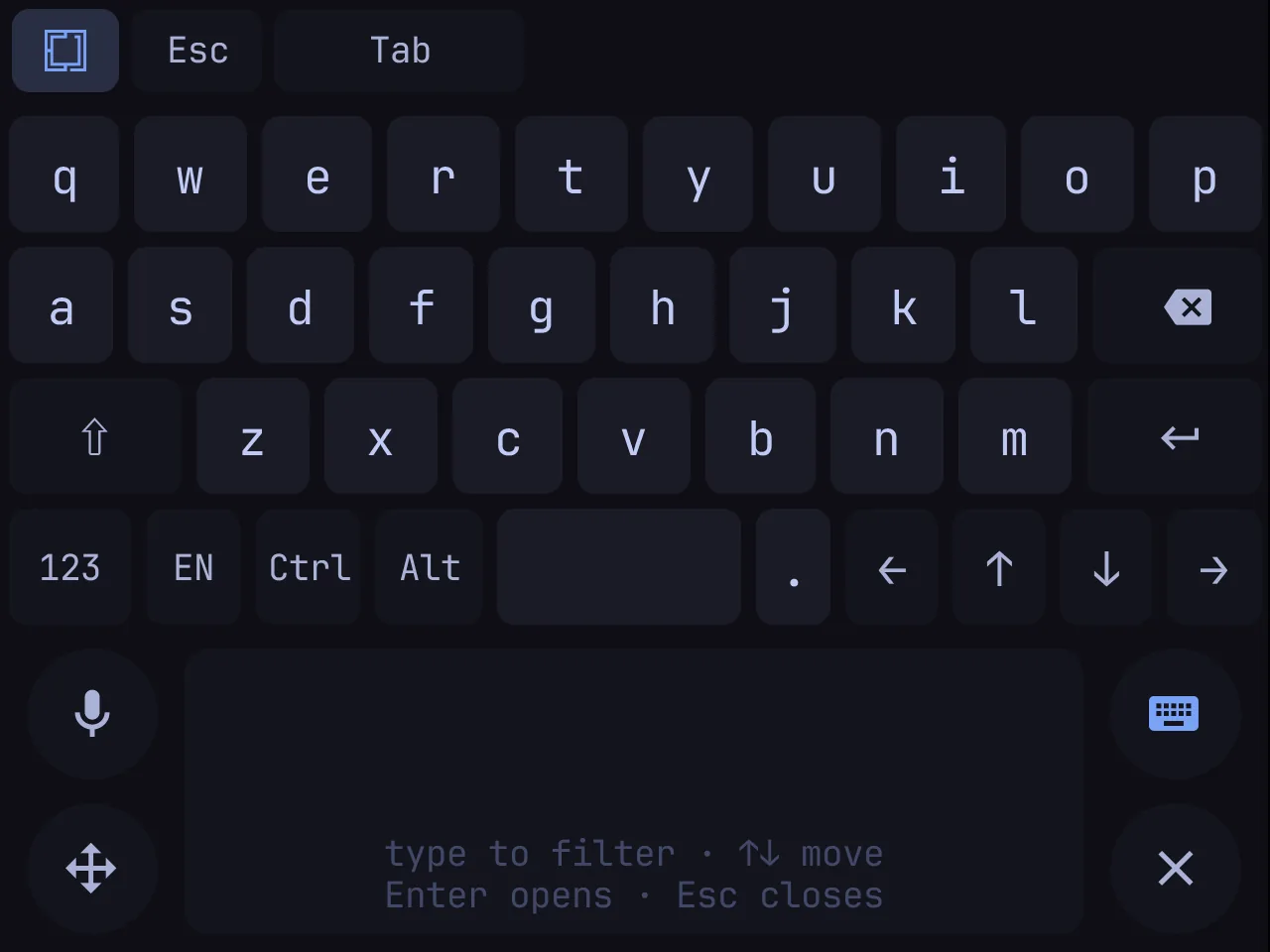
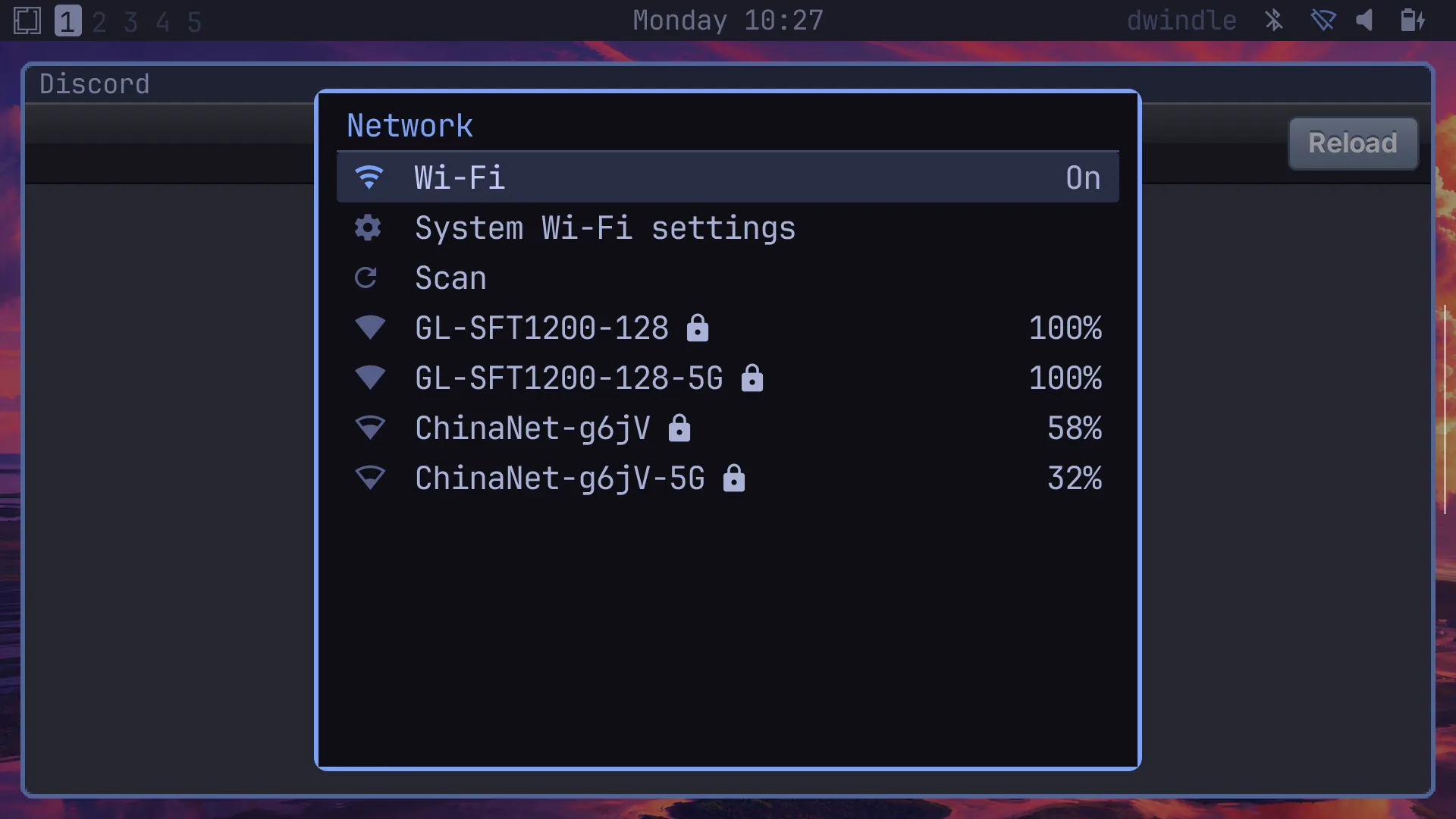
The shoulders are SUPER. Hold L1 for the window layer and R1 for the move layer, both for workspaces. After a quarter of a second, the lower screen draws the controls where they sit on the Duo Lite, and what each does: the D-pad over the left stick, A B X Y as printed (X top, A right), SELECT and START at the screen's upper corners. With no shoulder held, the gamepad types: the D-pad is the arrows, A Enter, B Backspace, X Tab, Y Space, START Escape. SELECT shows the keys or folds them away. HOME stays Android's.
| Held | D-pad | A | B | X | Y |
|---|---|---|---|---|---|
| L1 (window) | Focus | Menu | Close | Fullscreen | Split |
| R1 (move) | Swap | Open another | Reopen closed | Maximize | Swap split |
| L1 + R1 | ← → workspace, ↑ ↓ carry the window |
Update and uninstall
- Update: install a newer APK over this one. The root stays, and the app puts the new release's daemon and applets into it.
- Uninstall: Settings › Apps › Omarchy Pocket › Uninstall. That removes the root too.
Limits
- Programs in the Linux root play no sound. Android's volume and mute work.
- On a fresh install the daemon makes the glyphs for Chinese text and the prompt's symbols in the first 40 seconds or so; until then they are blank.
- The legend's letters follow Retroid's Retro controller style, the one we tested; the Xbox style was not tried.
- GitHub and Weather are left out at this density for now.