 Omarchy Pocket
Docs
Install Omarchy Pocket
Omarchy Pocket puts Omarchy's command line, themes, menu and services under one shell made for handhelds. Each device takes it its own way. Pick yours.
From source
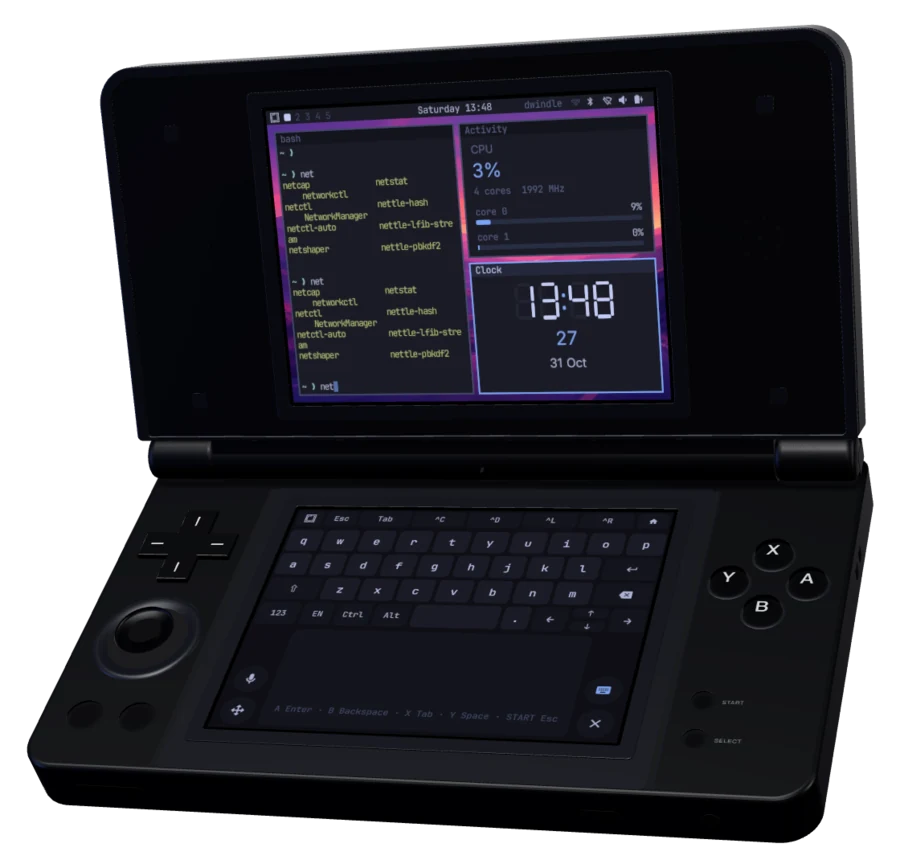
Anbernic RG DS Plus
The SD card's system
Replaces the stock launcher; the stock system stays as the rescue boot. Built and installed from source.
From the release
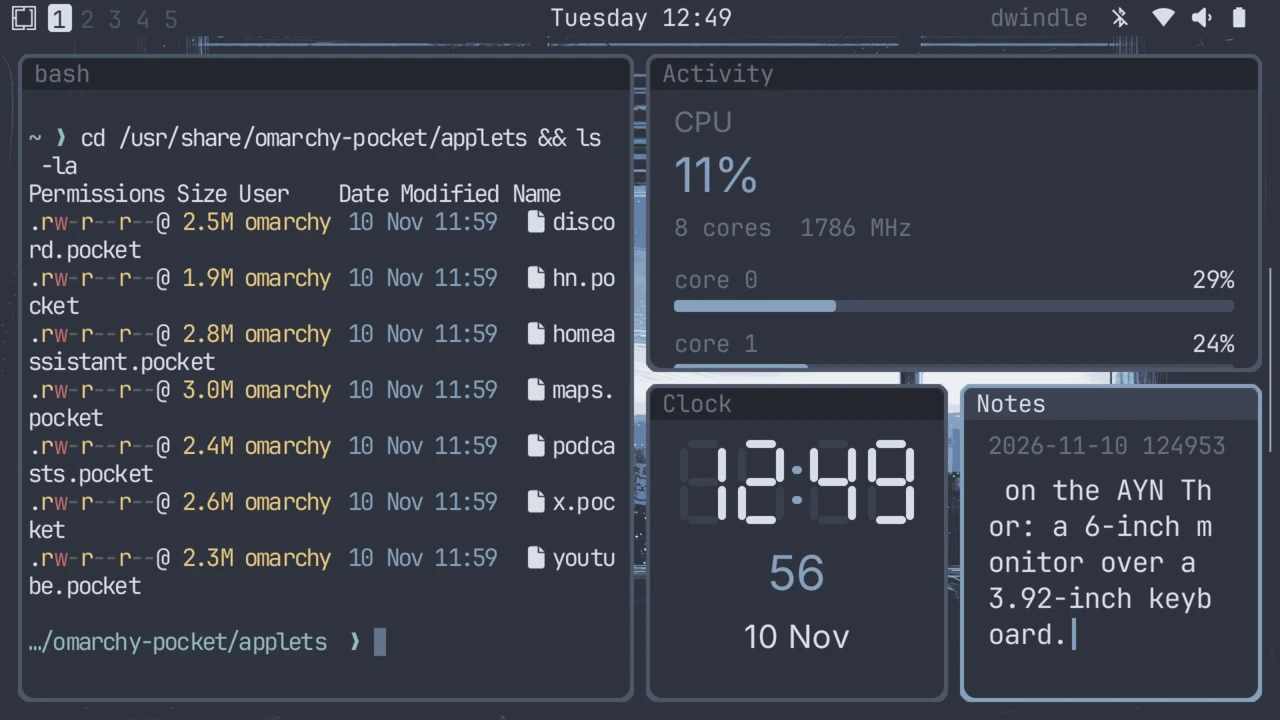
AYN Thor
An Android app
Install the app, give it the Linux root, play. Nothing rooted, nothing replaced.
From the release
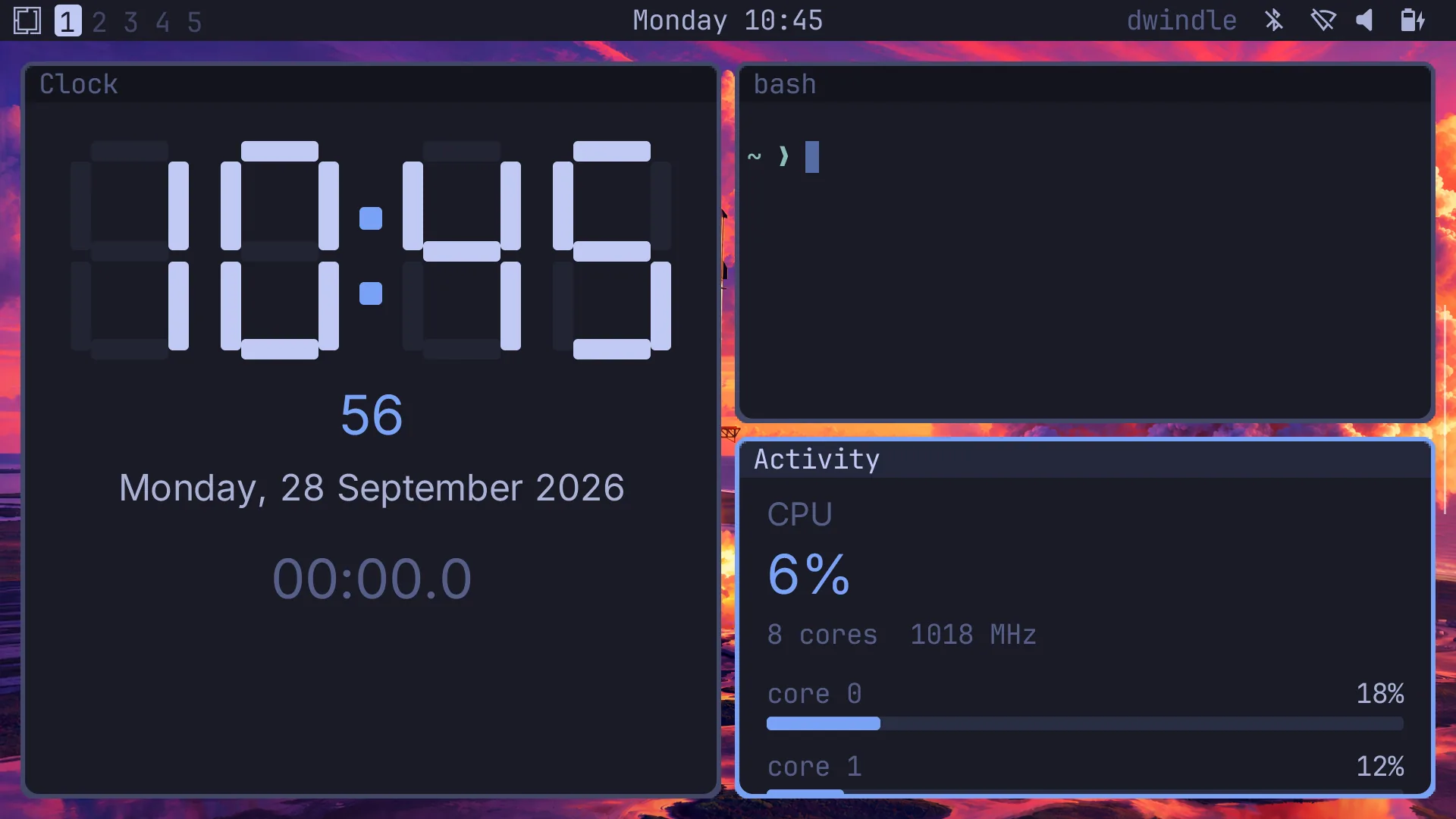
Retroid Pocket Duo Lite
The same Android app
The Thor's app, laid out for the Duo Lite's 4.2″ lower screen and its controls.
From the release
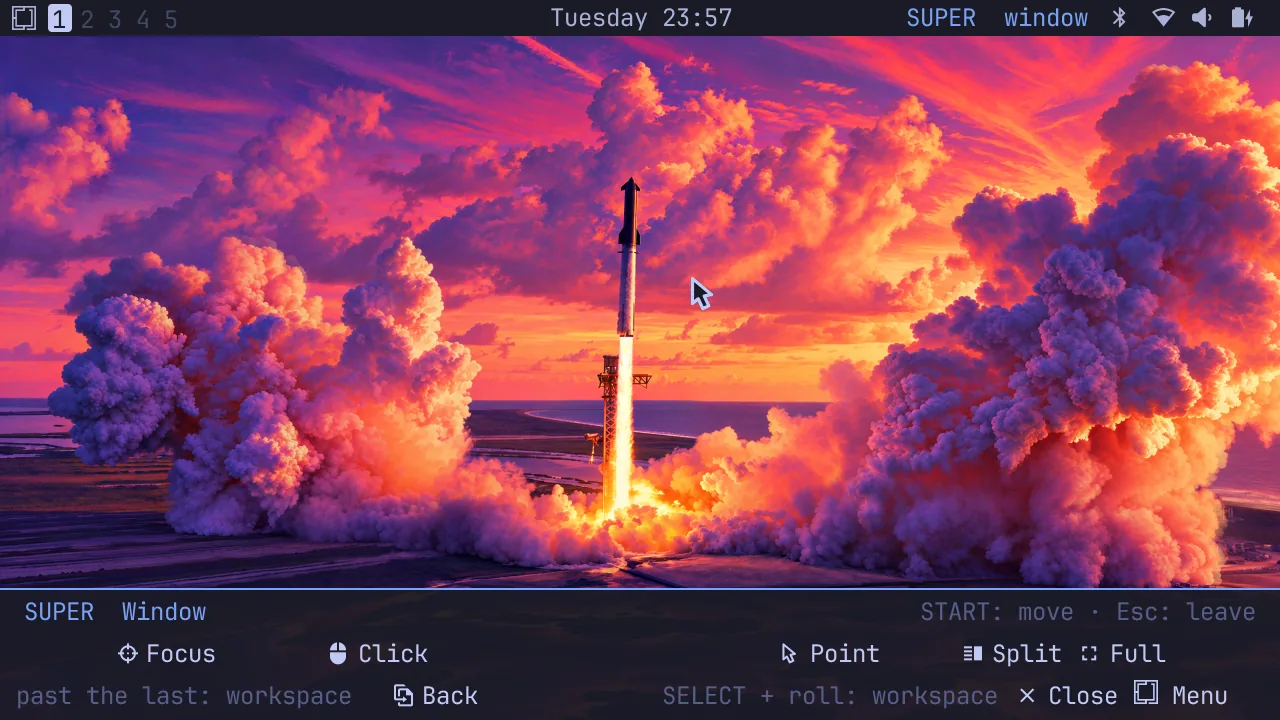
ClockworkPi uConsole
A Debian package
One apt install beside Raspberry Pi OS. Its menu gives the panel back to the desktop.
The release
Version 0.2.1 is on GitHub. Check each file against SHA256SUMS.
| File | For | Size |
|---|---|---|
omarchy-pocket-uconsole_0.2.1_arm64.deb | ClockworkPi uConsole | 3.5 MB |
omarchy-pocket-0.2.1.apk | AYN Thor, Retroid Pocket Duo Lite | 11 MB |
omarchy-pocket-root.tar.zst | AYN Thor, Duo Lite, uConsole: Omarchy's Arch Linux ARM root (0.2.0's) | 802 MB |
SHA256SUMS | every file |
One shell, four machines
The same shell runs on all four: Omarchy's bar, its menu, windows tiled the way Omarchy tiles them, Pocket Term, and the applets. What changes is how your hands reach it.
| RG DS Plus | AYN Thor | Duo Lite | uConsole | |
|---|---|---|---|---|
| Screens | Two 4″, 1024 × 768 | 6″ 1080p over a 3.92″ touch screen | 5.5″ 1080p over a 4.2″ touch screen | One 5″, 1280 × 720 |
| Typing | The lower screen's keyboard | The lower screen's keyboard | The lower screen's keyboard | Its own keyboard |
| Pointing | The lower screen's trackpad | The lower screen's trackpad | The lower screen's trackpad | The trackball, with L and R as mouse buttons |
| SUPER | L1 and R1, held | L1 and R1, held | L1 and R1, held | START, tapped or held |
| Back to stock | The boot chooser, or the card's backup | Uninstall the app | Uninstall the app | System › Raspberry Pi Desktop, or apt remove |
Help
Something not working? Open an issue with your device, the release you installed, and what you saw. Each device's page lists the logs worth attaching.